
📘 1. Introduction to State Management in Flutter
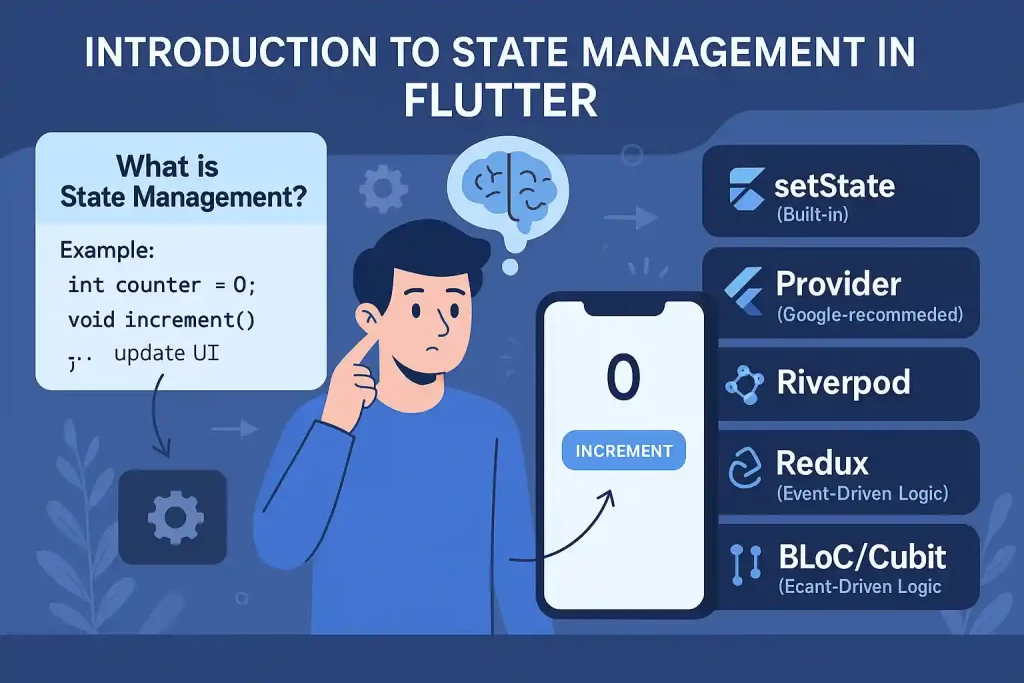
🧠 What is State Management?
In Flutter, “state” refers to any data that can change over time in your application. This includes UI changes, user inputs, fetched data, animations, and more.
State Management is the technique of handling how your app responds when that data changes.
🧾 Example:
Imagine a simple counter app:
int counter = 0;

void increment() {
  counter++;
  // update UI
}
❓ Why is State Management Important in Flutter?
Flutter builds its UI using widgets. Widgets are immutable, meaning once built, they can’t change. To reflect a change, Flutter rebuilds widgets with new data. Hence, managing state correctly is essential to:
- Update UI consistently
- Avoid unnecessary rebuilds
- Separate business logic from UI
- Scale apps as they grow
📌 Common State Management Solutions in Flutter
🔹 1. setState (Built-in)
Simplest way to update state inside a StatefulWidget.
int counter = 0;

@override
Widget build(BuildContext context) {
  return Column(
    children: [
      Text('$counter'),
      ElevatedButton(
        onPressed: () {
          setState(() {
            counter++;
          });
        },
        child: Text('Increment'),
      ),
    ],
  );
}
✅ Good for simple cases
❌ Becomes messy in large apps
🔹 2. Provider (Google-recommended)
A wrapper around InheritedWidget — clean and scalable.
class Counter with ChangeNotifier {
  int value = 0;

  void increment() {
    value++;
    notifyListeners();
  }
}
✅ Clean and testable
❌ Can still be verbose for complex flows
🔹 3. Riverpod (Modern Provider Alternative)
Better compile-time safety, supports global state without BuildContext.
final counterProvider = StateProvider((ref) => 0);

...

ref.watch(counterProvider.notifier).state++;
✅ More scalable and test-friendly
❌ Slightly steeper learning curve
🔹 4. Redux
Inspired by JavaScript/React Redux. Uses actions, reducers, and a global store.
// Action
class IncrementAction {}

// Reducer
int counterReducer(int state, dynamic action) {
  if (action is IncrementAction) return state + 1;
  return state;
}
✅ Predictable flow
❌ Verbose and overkill for small apps
🔹 5. BLoC / Cubit (Event-Driven Logic)
Cubit: simpler, direct state control
BLoC: uses Event → State mapping
Both use Streams internally.
// Cubit
class CounterCubit extends Cubit {
  CounterCubit() : super(0);

  void increment() => emit(state + 1);
}
✅ Scalable, testable, separates logic
✅ Best for medium-large projects
❌ Slightly more complex at first
✅ Summary
State management is the foundation of reactive Flutter apps. Choose a solution based on your project’s size and complexity:
| Solution | Best for |
|---|---|
| setState | Very simple UIs |
| Provider | Beginner-friendly, scalable |
| Riverpod | Modern, scalable apps |
| Redux | Large, predictable systems |
| BLoC/Cubit | Clean architecture, layered apps |
🚀 Coming Up Next:
“2. Getting Started with BLoC” — We’ll dive into setting up BLoC and Cubit with real examples.





