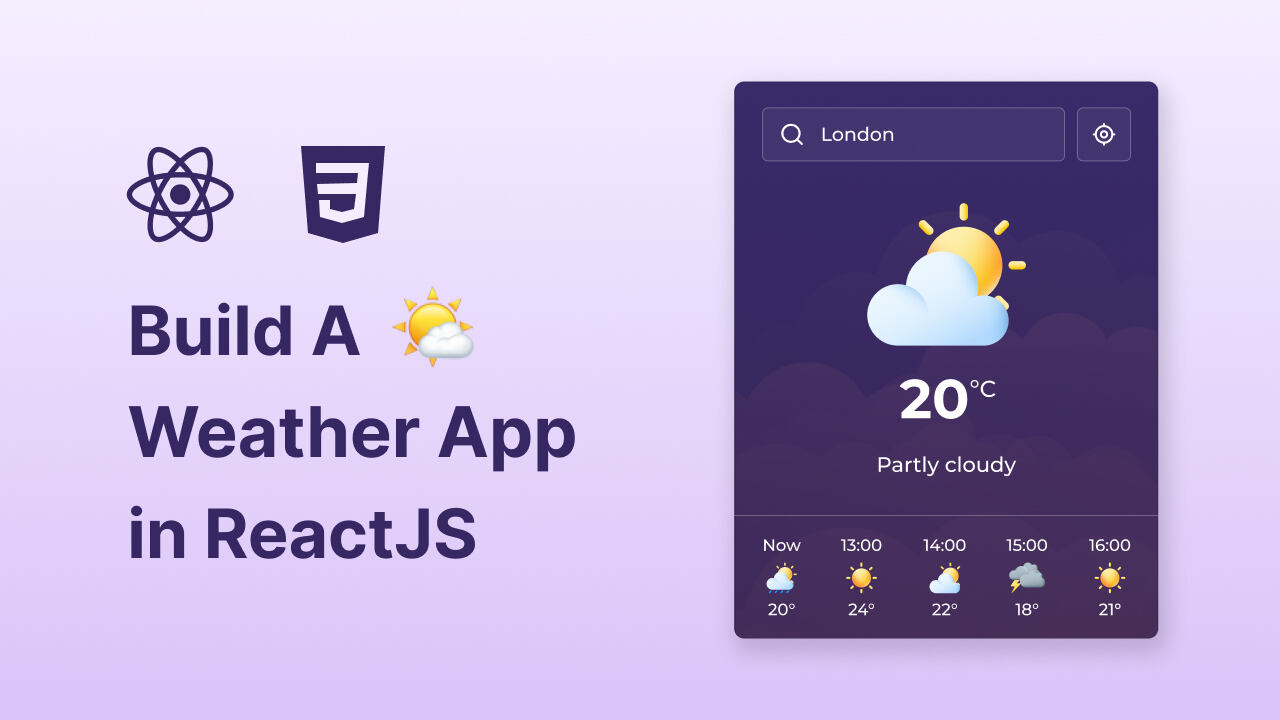
Build A Weather App in React JS & CSS | Step-By-Step Guide

ReactJs

Build A Weather App in React JS & CSS | Step-By-Step Guide

AI Reading

Quick summary of this article

This guide walks beginners through creating a practical weather app using ReactJS and CSS, covering core concepts like components, state management, and API integration. The app lets users view real-time weather and a 24-hour forecast for any city or their current location.

  • Build a fully functional weather app that displays current conditions and a 24-hour forecast for any city or the user's current location.
  • Gain hands-on experience with React fundamentals, including components, state management, and hooks.
  • Learn to integrate web services by working with APIs, handling asynchronous operations, and managing data fetching.
  • Discover how to use the browser's location API to retrieve weather data based on the user's position.
  • The project is suitable for beginners and can be added to a portfolio or used in real-world scenarios.

Are you new to ReactJS and looking for a hands-on project to elevate your skills? Building a weather app is an excellent choice for beginners, as it allows you to create something practical while learning core React concepts. This project will help you get comfortable with components, state management, and connecting to APIs to retrieve live weather data. It’s a fun and widely recommended project for anyone starting out with React!

In this blog post, I’ll walk you through creating a Weather App using ReactJS and CSS. This app enables users to view the weather for any city or their current location, offering real-time weather information along with a 24-hour forecast.

If you’d rather work with vanilla JavaScript, take a look at my blog post on building a Weather App with HTML, CSS, and JavaScript. I’ve recreated the same app with all the features, making it an ideal project to strengthen your core JavaScript skills without the added complexity of a framework.

Why Build a Weather App in React JS?

By building this weather app using React JS and CSS, you’ll gain the following skills:

 
  • ReactJS Fundamentals: Gain practical experience with React components, state management, and hooks.
  • Location API Usage: Discover how to leverage the browser’s location API to fetch data based on the user’s location.
  • API Integration: Learn how to work with web services, handle asynchronous operations, and manage data fetching effectively.
  • Practical Application: Build a fully functional app to showcase in your portfolio or use in real-world scenarios.

Video Tutorial to Build Weather App in React JS

Leave a Reply

Your email address will not be published. Required fields are marked *